Publishing the same idea on five channels isn’t the problem. Publishing the same opening, the same three points, and the same call to action five times is.
A substantial article, report, or webinar can support weeks of useful content. But the source piece should be treated as raw material, not a script to copy. Someone opening an email wants a different kind of help from someone watching a short video. If both get a compressed version of the same pitch, the campaign will feel repetitive even when each asset looks different.
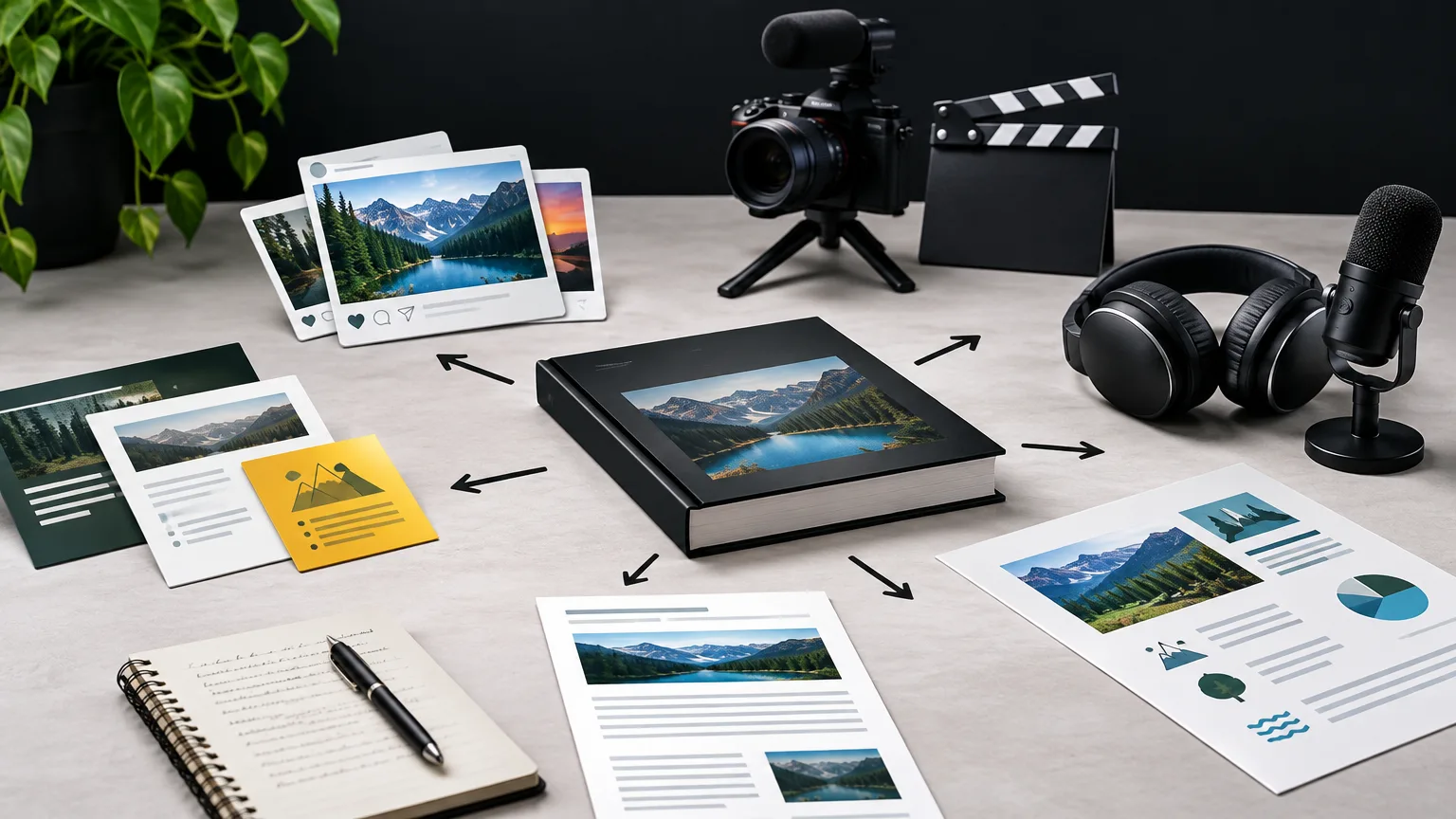
The useful question is not “How many posts can we get out of this?” It’s “What can this idea do for someone in each setting?”
Start with a source that has several usable ideas
Not every piece deserves a repurposing plan. A brief announcement may need distribution, but it probably doesn’t contain enough substance for a video series, an email, and a set of social posts. Start with material that has evidence, examples, a process, a strong point of view, or questions worth answering separately.
Before choosing formats, take the source apart. Mark the following:
- The central claim: What should the audience understand or do differently?
- The proof: Which data, examples, demonstrations, or expert observations support it?
- The useful parts: Which steps or decisions can stand on their own?
- The friction: What might a reader question, misunderstand, or struggle to apply?
- The next questions: What did the source leave room to explore?
That last category often produces the best follow-up content. A webinar on improving customer onboarding might cover where new users drop off, how to diagnose the cause, and what to test. A post about the first diagnostic step can be useful without retelling the entire webinar. A later email can address an objection raised during the Q&A.
Preserve the evidence behind each claim as you build. A percentage from a survey needs its sample and context; a customer story needs any required permission. A short format is not a license to make a finding sound broader than it is.
Give each channel a different job
Channel-specific content begins with the situation in which someone encounters it. On a blog, they may be actively seeking a complete answer. In a social feed, they may give an idea only a moment of attention. An email arrives in an inbox where the sender has already asked for a continuing relationship.
Decide what each placement will deliver before you draft it:
| Channel | Useful job | Adaptation of an onboarding webinar |
|---|---|---|
| Website article | Give a complete, searchable explanation | Explain how to identify a drop-off point, investigate it, and choose a test |
| LinkedIn post | Make one professional judgment worth discussing | Argue that adding more welcome emails won’t fix an unclear first-use experience |
| Short video | Show one idea or action clearly | Walk through an anonymized onboarding screen and point out a decision a new user must make |
| Help a defined audience take the next step | Give customer-success managers a short checklist for reviewing one stalled account |
This is a plan for four distinct reader experiences, not four containers for the same paragraph. The article offers depth; the post offers a point of view; the video makes an observation visible; the email prompts a task.
Format still matters. LinkedIn Pages support text, images, video, and documents, but that menu shouldn’t become a production checklist. Choose the format that helps the particular idea land. A document may suit a sequence of annotated screens. A text post may be better for a concise argument.
Change the angle, not just the dimensions
Cropping a webinar clip vertically or turning a section heading into a graphic changes the packaging. It doesn’t necessarily add a reason to pay attention. A stronger adaptation changes at least one of four things: the question, the audience, the level of detail, or the evidence.
Consider a source report that finds customers often abandon setup before completing their first meaningful task. Its adaptations could answer genuinely different questions:
- What counts as a meaningful first task? Define it in an article for teams designing onboarding.
- What does abandonment look like? Show the relevant sequence in a short, clearly labeled video.
- What should a manager check on Monday? Turn the finding into a practical email exercise.
- Why do teams miss the problem? Write a social post about the limits of measuring sign-ups alone.
All four draw on one finding. None needs to restate the whole report. The finding is the connection; the value is the new answer.
This distinction is especially important when repurposing blog posts. Pulling the introduction into a social caption usually gives readers neither the article’s full explanation nor a satisfying standalone point. Instead, find the sharpest claim, add the example that makes it credible, and write a fresh ending. Link to the full article when it supplies needed evidence or a useful next step—not because every post must send traffic somewhere.
The same standard applies to search-focused spin-offs. If you publish another page on your site, give it a distinct reader question to answer. Google describes very similar pages as candidates for canonicalization; changing a headline while leaving the main content nearly identical is not a sound plan for creating a second useful page. Google’s people-first content guidance also asks whether a page offers original information, analysis, or enough substance to help its audience.
Build outward from one worked example
Suppose a software company hosts a 45-minute webinar on why trial users stop during setup. The presentation includes an analysis of its own product, a screen demonstration, and audience questions. A sensible repurposing plan might look like this:
First, publish an article that explains the diagnostic method. It should define the event being measured, show how the team identified a drop-off, and explain what other causes it ruled out. That becomes the durable reference for readers who need the full method.
Next, create a LinkedIn post around one judgment from the presentation: “A completed sign-up is not an activated user.” Add a brief example of a person who creates an account but never reaches the product’s useful action. End with a question that could elicit a real answer, such as which activation event other teams use. Don’t paste the webinar agenda beneath it.
Then, edit a short video around the screen demonstration. Start where the user gets stuck, add enough context to understand the screen, and explain what to notice. If the original recording wanders through introductions or references slides that aren’t visible, a newly recorded explanation may work better than a clip. On LinkedIn, subtitles are recommended for people watching without sound.
Finally, send an email to subscribers who work directly with onboarding. Give them one task: compare the event their team calls “activated” with a task a new customer would actually value. Include two or three questions they can use in that review. If the webinar recording genuinely helps, offer it as a deeper resource.
There’s no requirement to produce all four. If the recording has no clear visual demonstration, skip the video. If the webinar contains no credible evidence for a broader article, write a narrower follow-up. Let the material set the limits.
Account for people who follow you everywhere
The most loyal audience members may see your email, LinkedIn post, and video. That’s not inherently bad. Repeated exposure can help them understand an idea, but repeated wording makes each encounter feel like a reminder to consume something they’ve already seen.
Before scheduling, scan the campaign as one person would. Put the subject lines, opening sentences, visuals, main points, and calls to action side by side. If three pieces begin with the same statistic and end by asking readers to watch the webinar, revise them. Keep the factual claim consistent, but give each appearance its own payoff.
Sequence can help. An initial post might introduce the problem. An email later that week might offer a diagnostic exercise. A video might answer a question that came up after publication. The spacing matters less than the progression: each piece should have something to say beyond “Here is that source again.”
Audience selection matters, too. A message written for managers assessing a process needn’t go to every subscriber. Email platforms can support this distinction; for example, Mailchimp segments can use factors such as tags, signup source, and email activity. Segment only where you have a meaningful difference in what people need, rather than making tiny lists for their own sake.
Keep a record of what came from where
A simple content map is often more useful than a large distribution calendar. For each planned asset, record its audience, one-sentence promise, source claim, supporting evidence, format, and desired next action. Add an owner who will check it before publication.
That check should catch errors introduced during adaptation. Has a quote been trimmed until it changes meaning? Does an old screenshot show a feature that has since changed? Does a chart still name its measure and period? If a guest spoke in the webinar, do you have the right to reuse their remarks or image in a new promotional piece? These checks are small compared with repairing a misleading campaign after it goes live.
A transcript can speed up the work of finding useful moments, but it isn’t a finished article. Spoken explanations often rely on slides, gestures, or earlier context. Edit them into complete thoughts, verify names and numbers, and supply what the new audience needs to follow along.
For a full video recording, help viewers reach the section they need. YouTube video chapters can divide a recording into labeled sections, making the original useful alongside shorter adaptations rather than forcing every clip to carry the entire lesson.
Measure the job each piece was given
If every asset is judged by clicks to the source, the team will keep writing teasers. That can make the source look busy in a report while making the individual channels less useful.
Measure each piece against its purpose. For an article, look at whether readers find and use the full explanation. For a short video, examine whether people stay long enough to see the demonstration. For an email exercise, clicks to a worksheet or replies may tell you more than traffic to the webinar. Social comments are useful when they reveal thoughtful questions or objections, not just when their number rises.
When links are part of the plan, use consistent campaign tags so you can distinguish placements in your reporting. Google Analytics processes campaign parameters into source, medium, and campaign dimensions. Those numbers show what happened after a click; they won’t tell you whether someone found a standalone post useful without clicking. Pair them with the signals available in each channel and the questions people ask your team.
The test for repurposed content is simple: if someone encounters only this version, will it reward their attention? If the answer is yes—and someone who sees several versions learns something new each time—you’re adapting the source rather than merely repeating it.